Overview
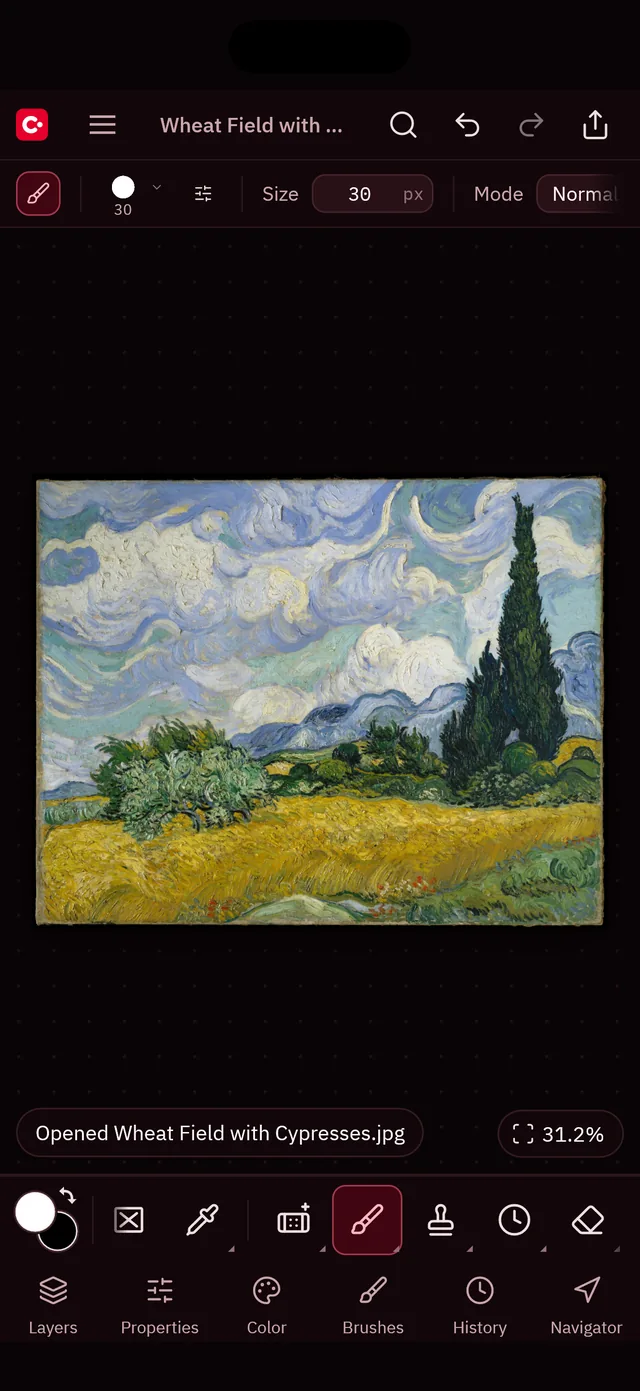
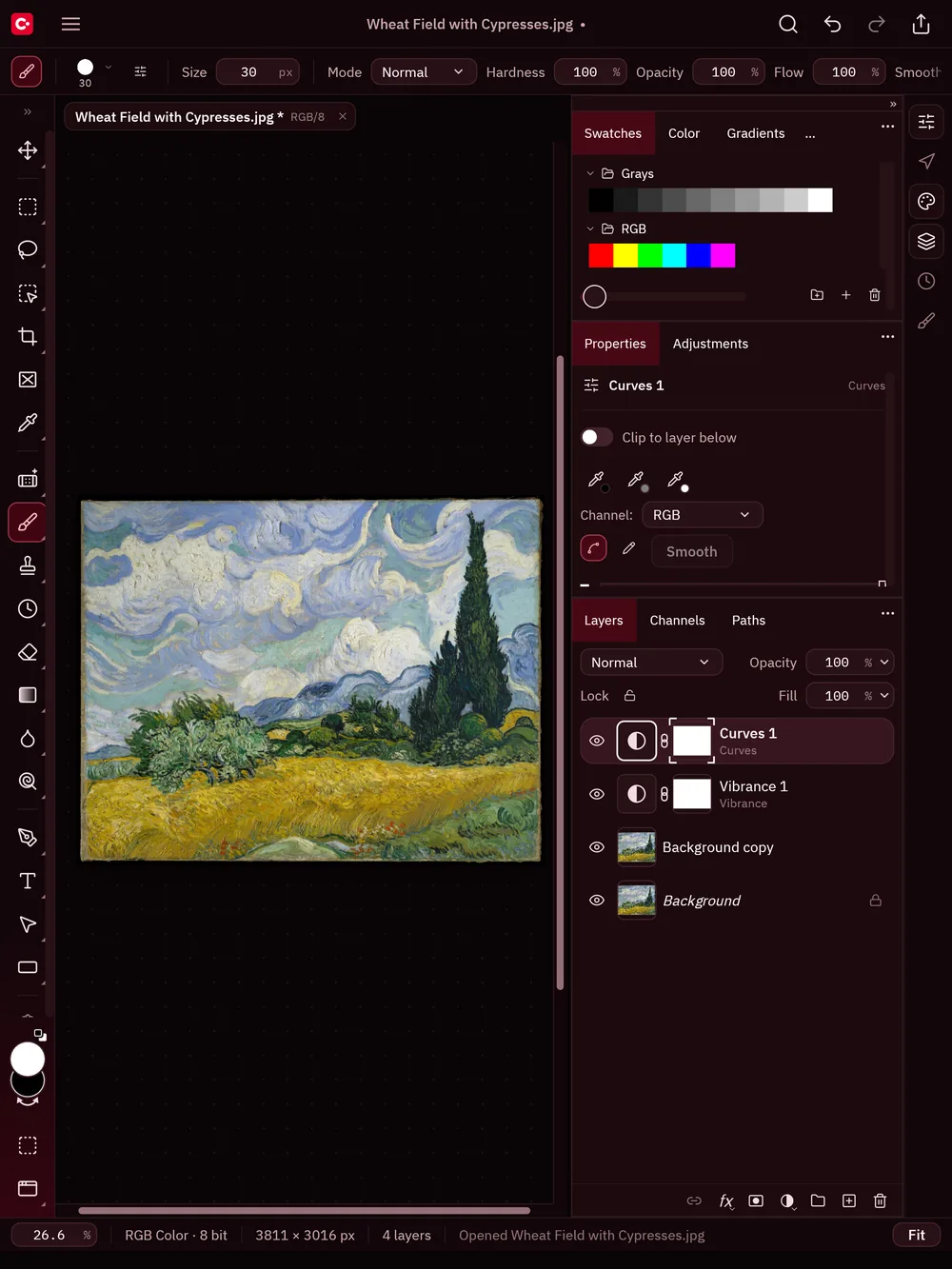
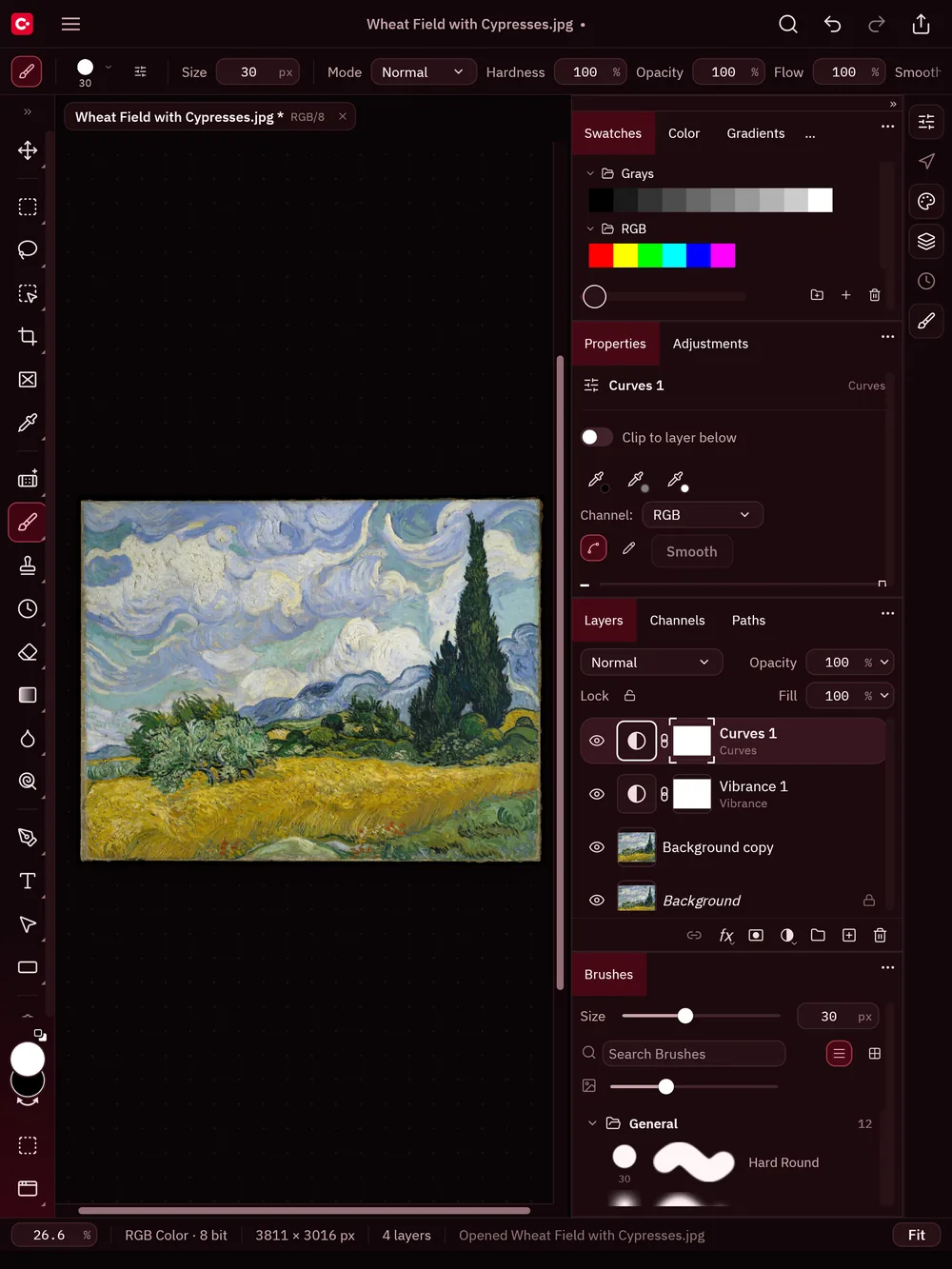
CarterCanvas is a serious, layered image editor for iPhone and iPad (it also runs on Apple silicon Macs). Retouch photos, build composites and paint, then save your work as a layered PSD or export it for anywhere. It's free, and everything happens on your device.
What it does
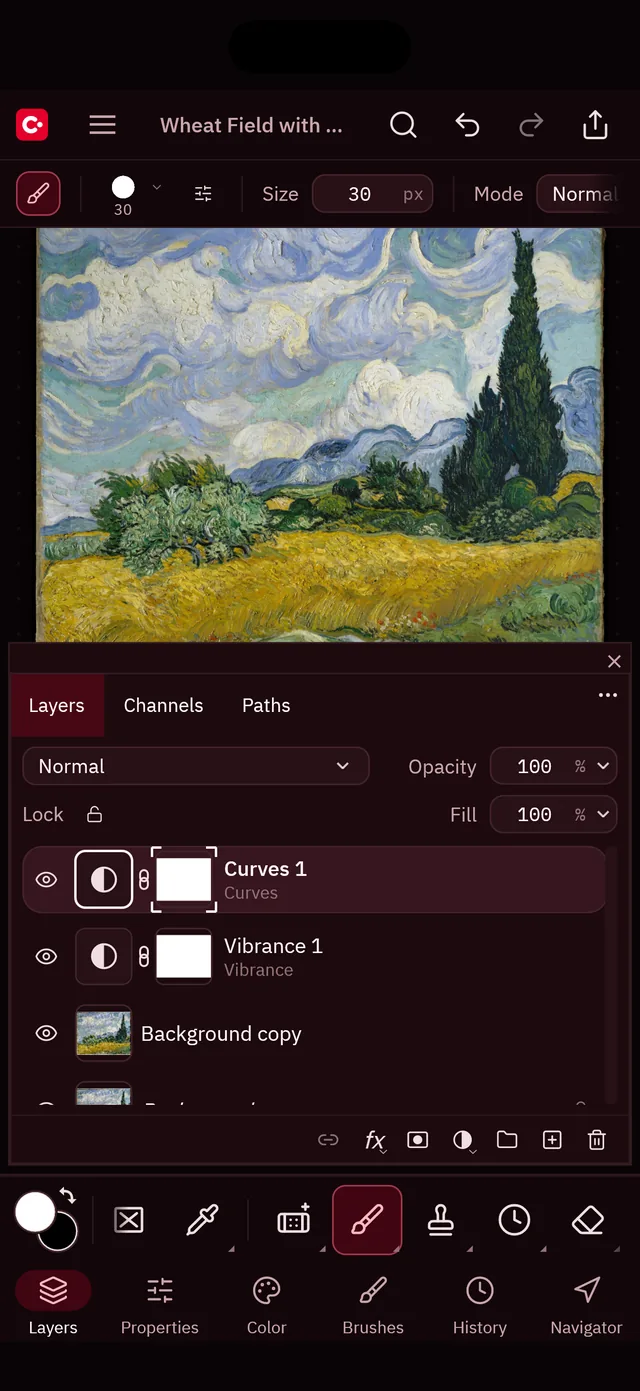
- Unlimited layers with blend modes, opacity, groups, layer masks, clipping masks and quick mask
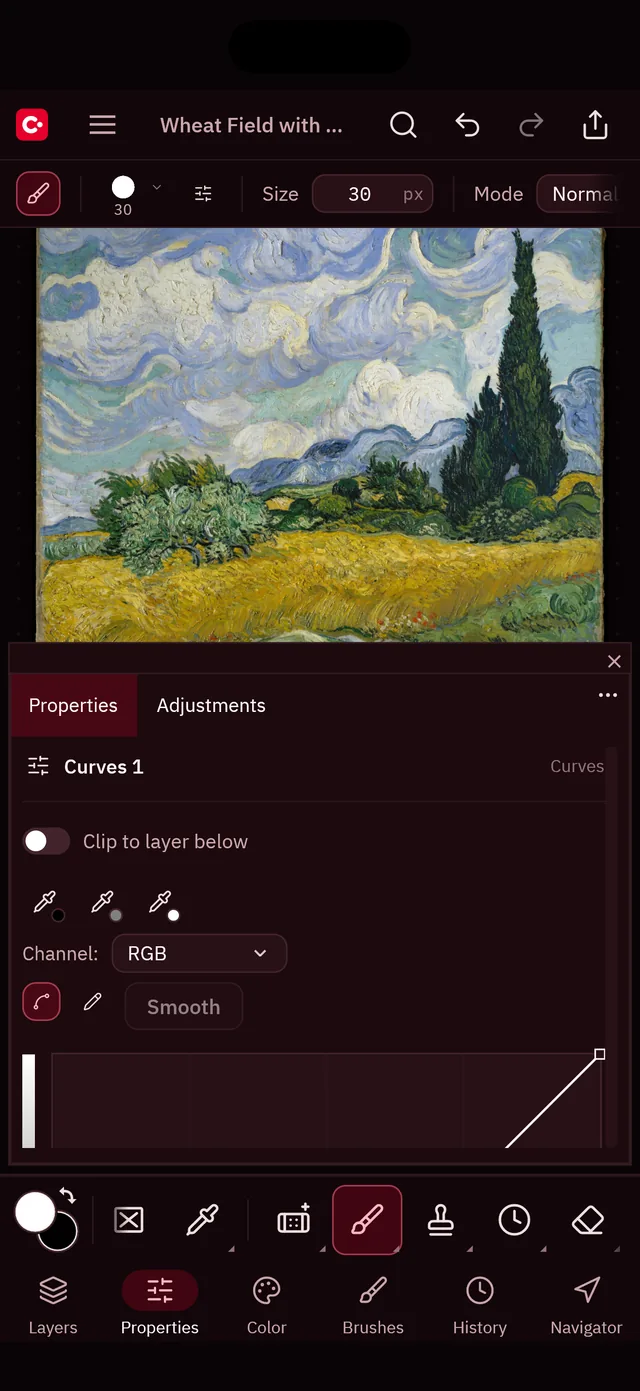
- Non-destructive adjustment layers: levels, curves, hue/saturation, color balance and more
- Layer styles: shadows, glows, strokes and overlays
- Selections: marquee, lasso, magic wand, quick selection and object selection
- Retouching: spot healing, healing, patch, clone stamp and remove
- A pressure-sensitive brush engine with Apple Pencil support, plus type, pen paths and shapes
- Opens and saves layered PSD and PSB; opens PNG, JPEG, HEIC, TIFF, WebP, AVIF, GIF, BMP and camera RAW
- 8, 16 and 32 bits per channel in RGB, grayscale, CMYK and Lab
Made for touch
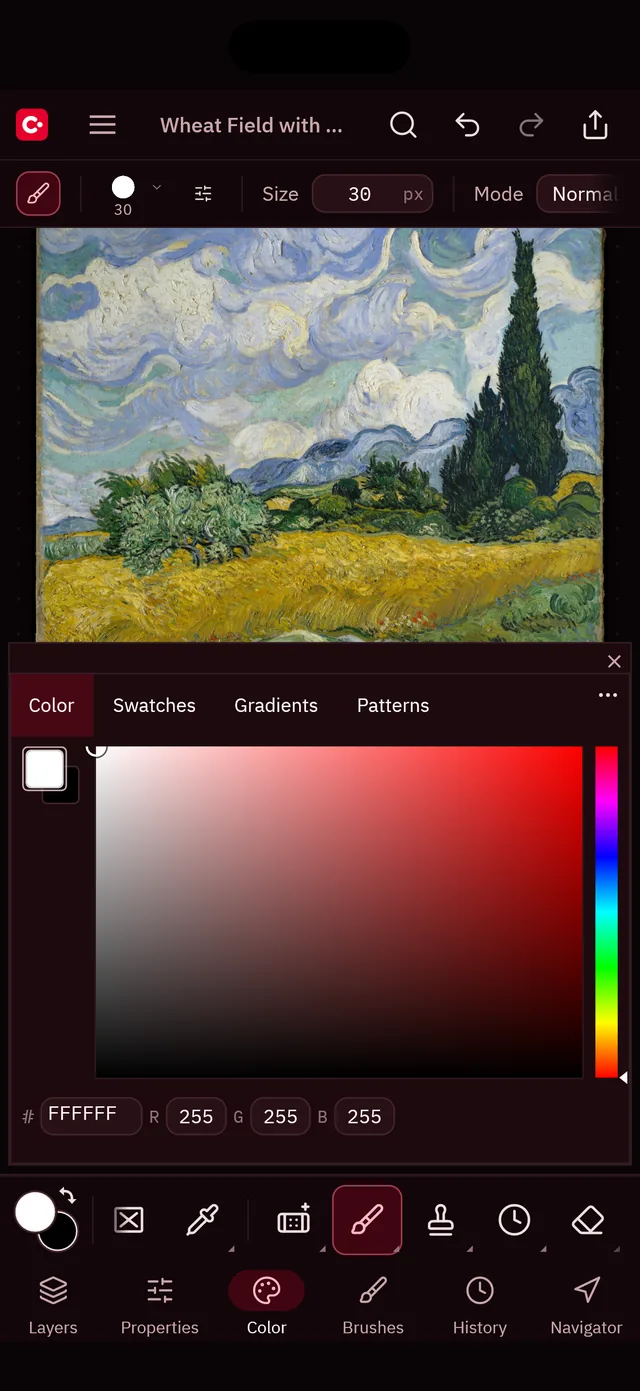
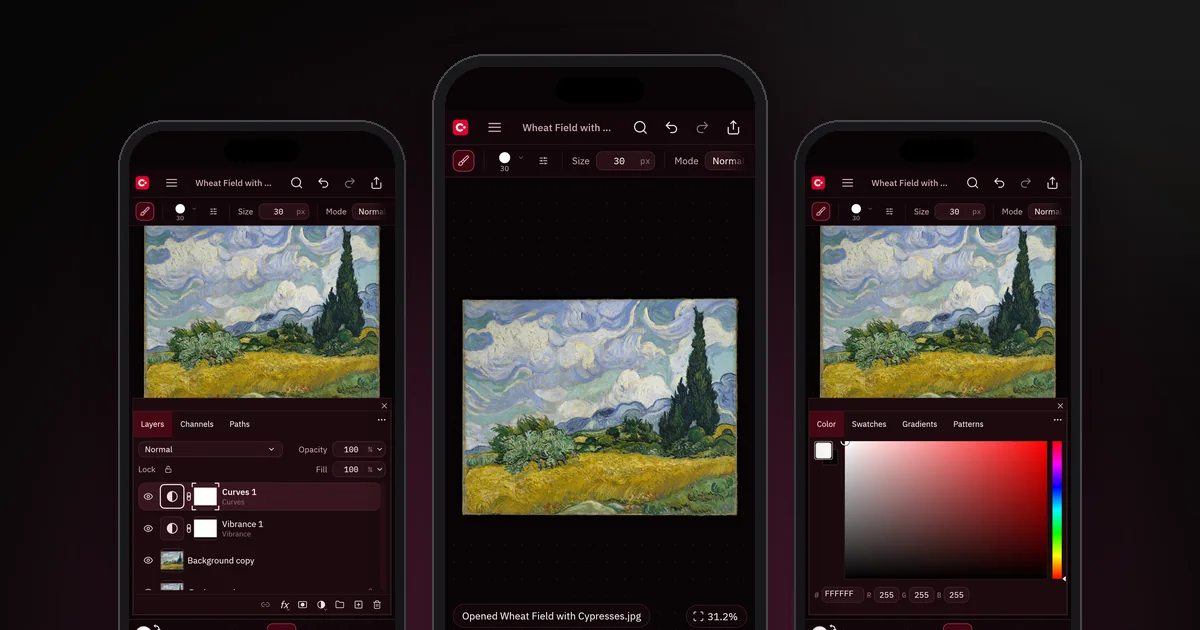
On iPhone the canvas gets the whole screen: the tools sit in a strip at the bottom, in thumb reach, and the Layers, Properties, Color, Brushes, History and Navigator panels open as a sheet from the tabs below it. On iPad you get a full desktop-class workspace with docked panels. Pinch to zoom and rotate, and tap with two fingers to undo.
Private by design
No account, no analytics, no ads and no tracking. Your images never leave your device unless you share them. Read the privacy policy.
Status
Available now, free on the App Store for iPhone and iPad.
Support
Questions, bug reports and feature requests: email Carter@carterware.net or use the contact form. Include your device and iOS version, and the steps that led to the problem.